
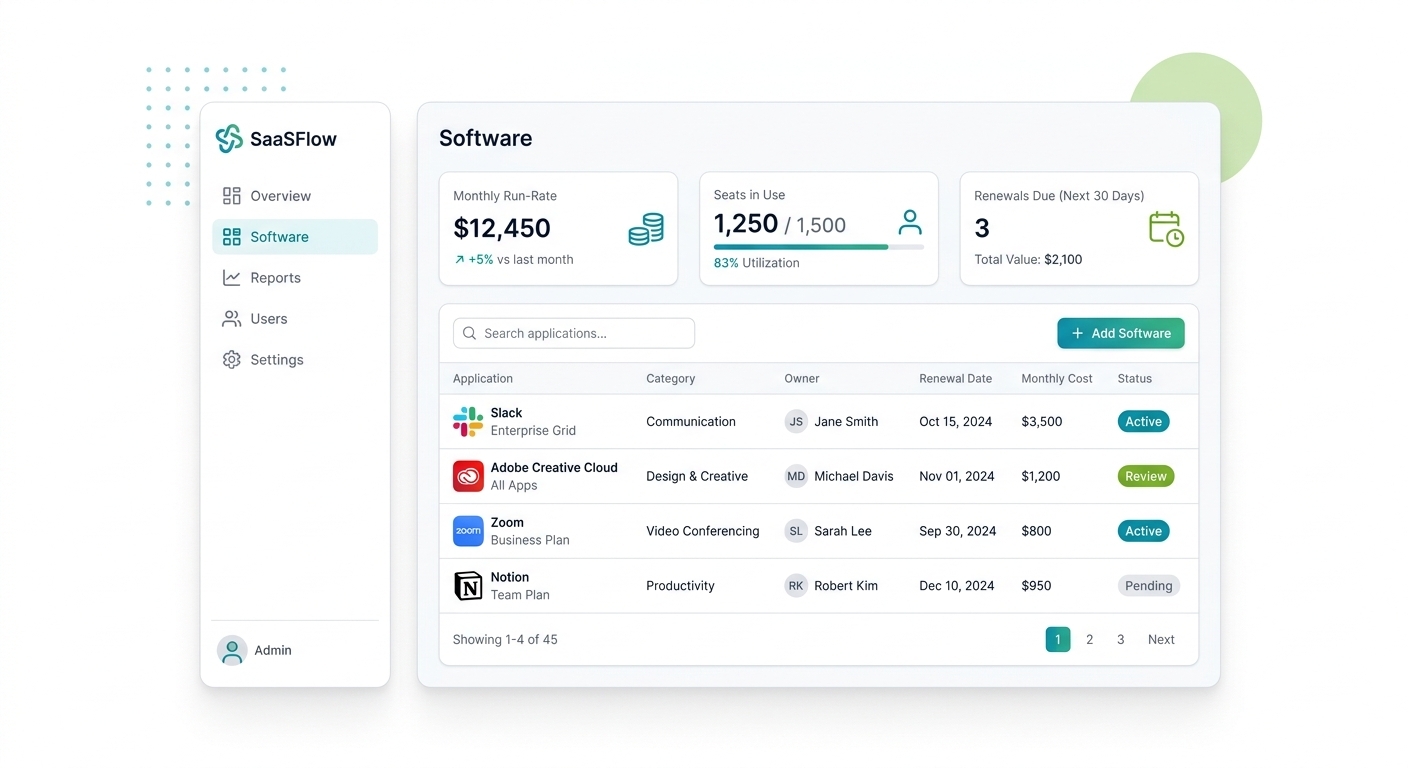
















Everything you need to manage software licenses
From inventory and seats to spend, security, and renewals, Expiration Reminder gives you one place to keep your entire software stack under control.
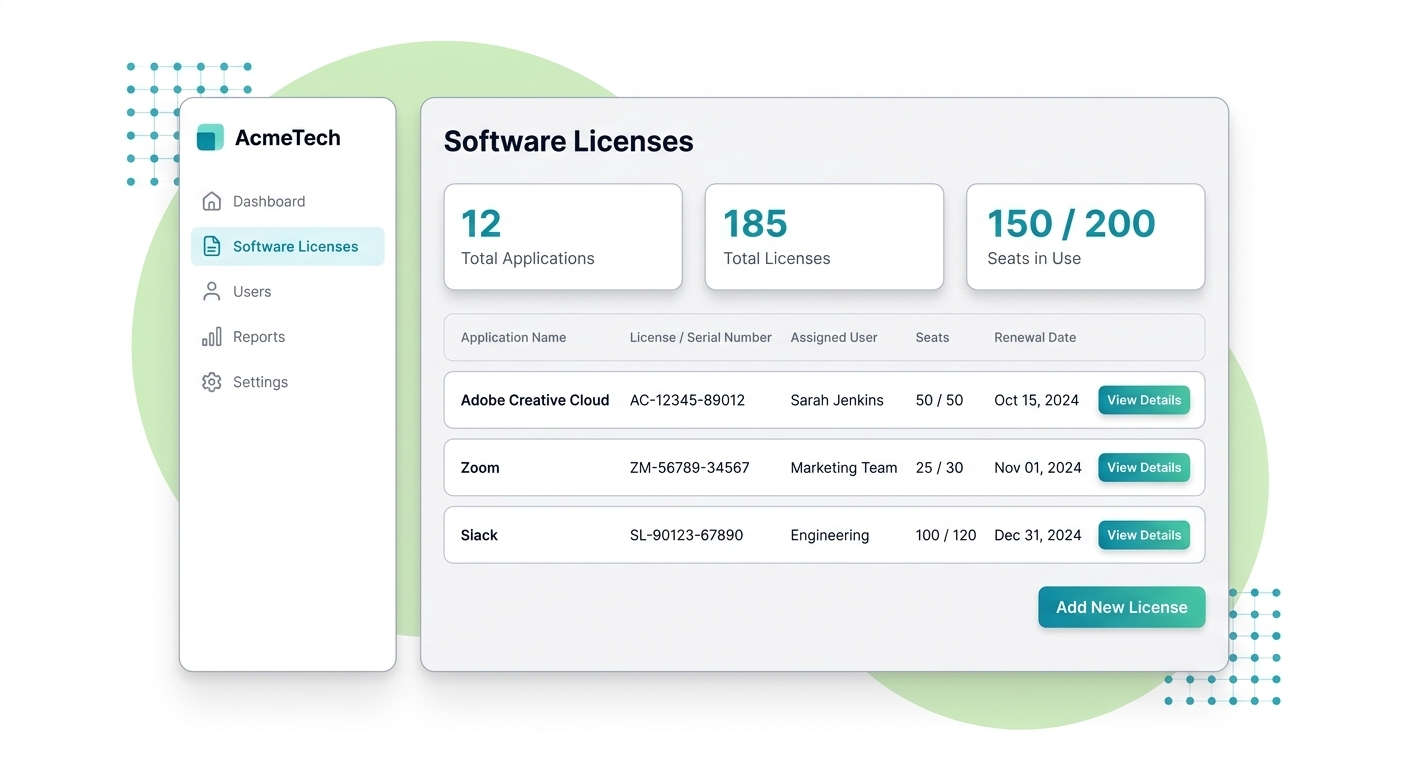
Complete Software & License Inventory
Know exactly what software you own and who holds every license.
- Keep every application, license key, and serial number in one searchable inventory, so no seat or license hides in someone's inbox.
- See who each serial number is assigned to, so you can prove ownership, reclaim licenses when people leave, and stay audit-ready.

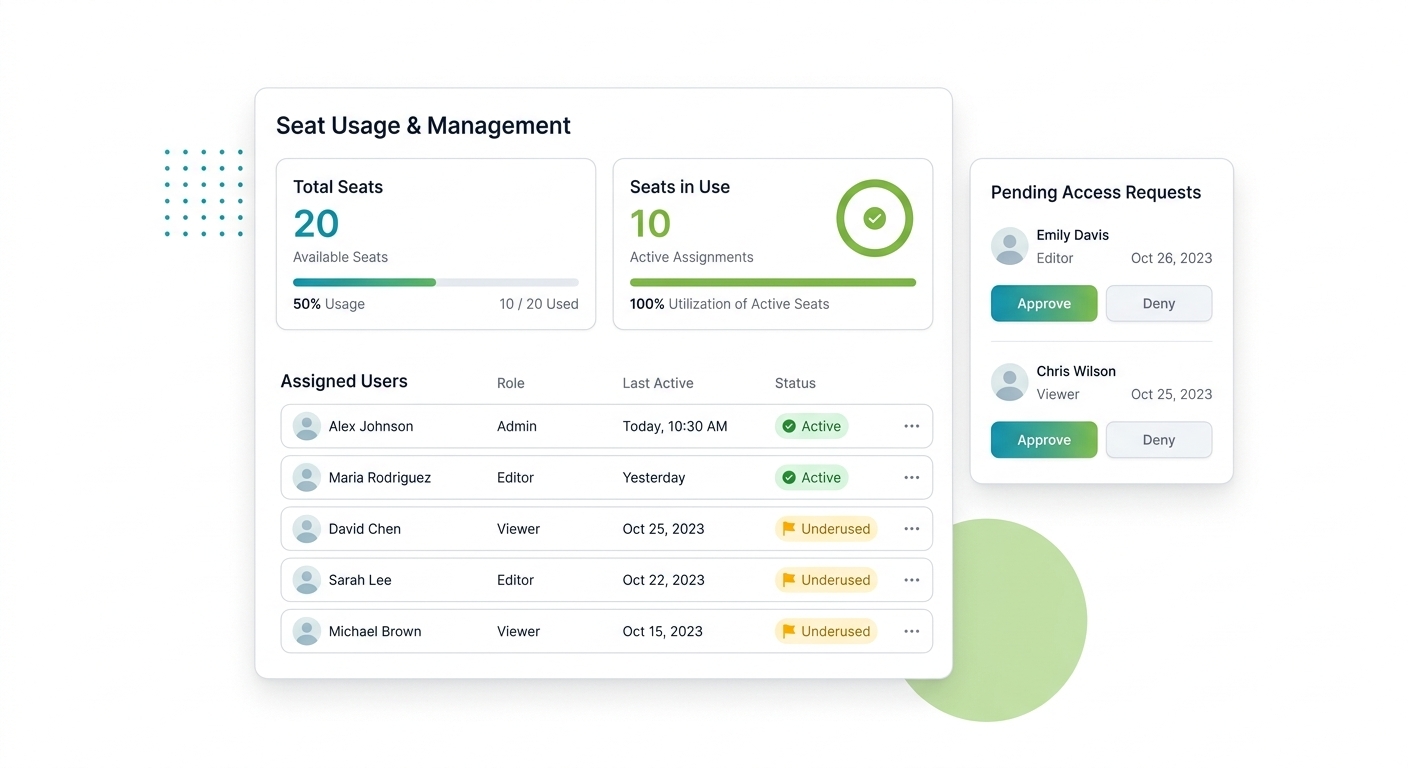
Seat Tracking & Usage Insights
Stop paying for seats and software nobody actually uses.
- Track seat allocation and usage to spot underused apps and idle licenses you can reclaim or cancel before the next renewal.
- Handle access requests in one place, so every grant is tracked and you always know who has access to what.

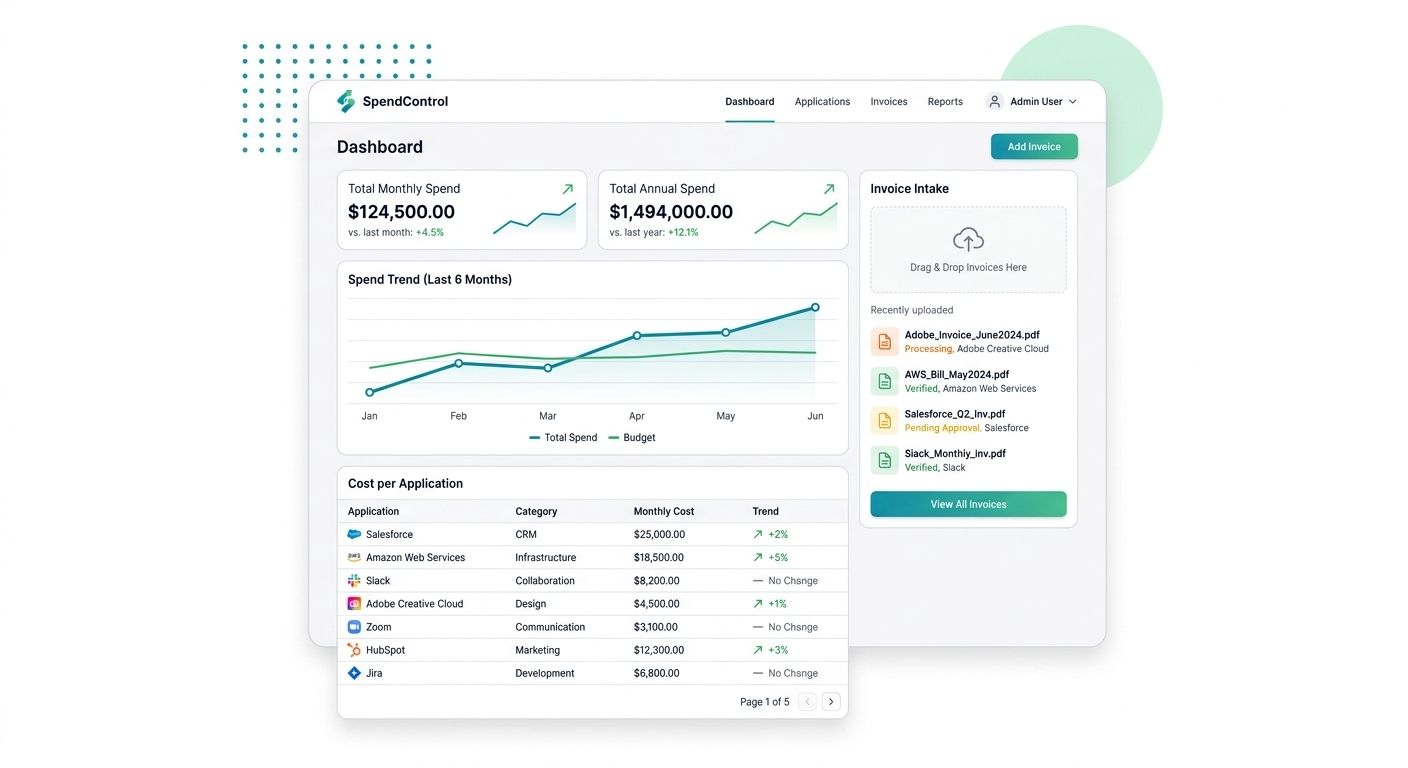
Software Spend & Invoice Intake
See what you're really spending on software before a renewal hits.
- Track cost per application and roll it up across your whole stack, so you can catch duplicate tools and rising spend early.
- Capture invoices against each license as they arrive, keeping every cost and document tied to the software it belongs to.

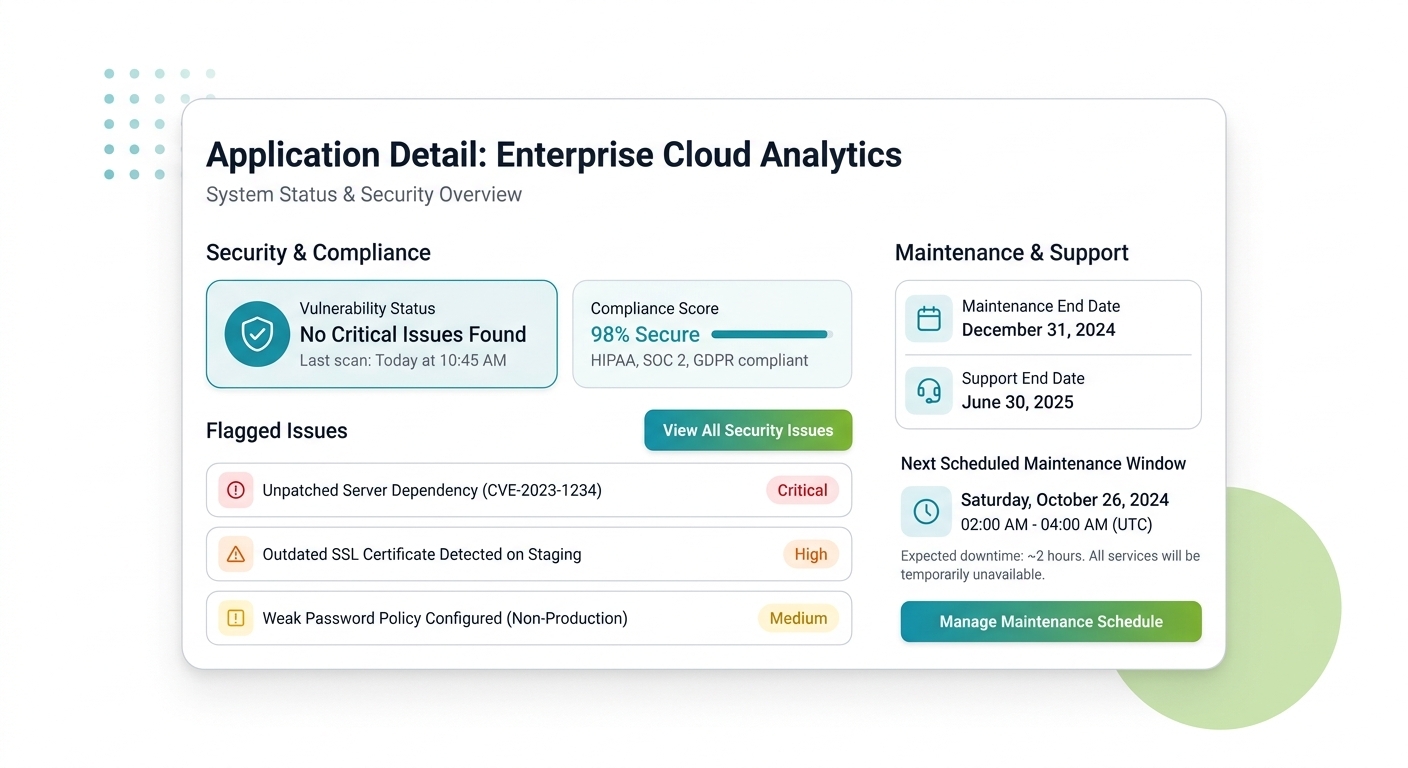
Vulnerability & Maintenance Tracking
Keep every application secure, supported, and up to date.
- Track known vulnerabilities and maintenance windows per application, so risky or out-of-support software never slips through unnoticed.
- Tie maintenance and support dates to each license, giving your team one clear view of what needs patching or attention.

Automated Renewals
Say goodbye to manual tracking with our automated system.
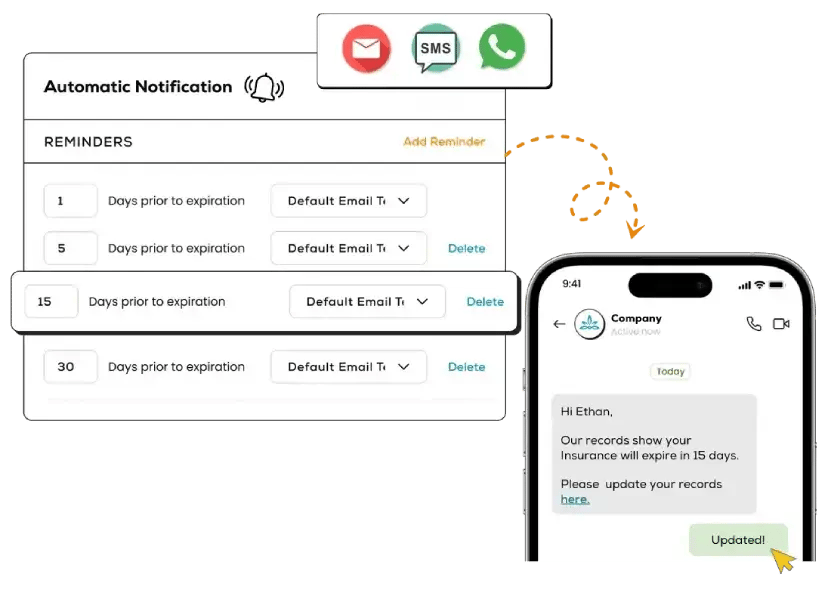
- Set timely reminders and automatic updates for software licenses.
- Ensure licenses are always current to prevent downtime.
- Maintain continuous operations effortlessly with automated renewals.

Automatic expiration date tracking
PRODUCT FEATURE GRID

Real-time tracking
See what documents are about to expire or are at expired at any point in time.

Intuitive dashboard
Anyone can use our easy-to-understand dashboard. No training required.

Automatic notifications
Hands-off notifications. Configure your own frequency.

Multiple views
View what's expiring in the next 15 days, 30 days, next month, next year.

Data Security and Compliance
This is some text inside of a div block.

Chat Support
Get real person experts on chat to help with any questions.

Get Started with Expiration Reminder
No credit card required