















Stop Losing Revenue to Expired Provider Credentials
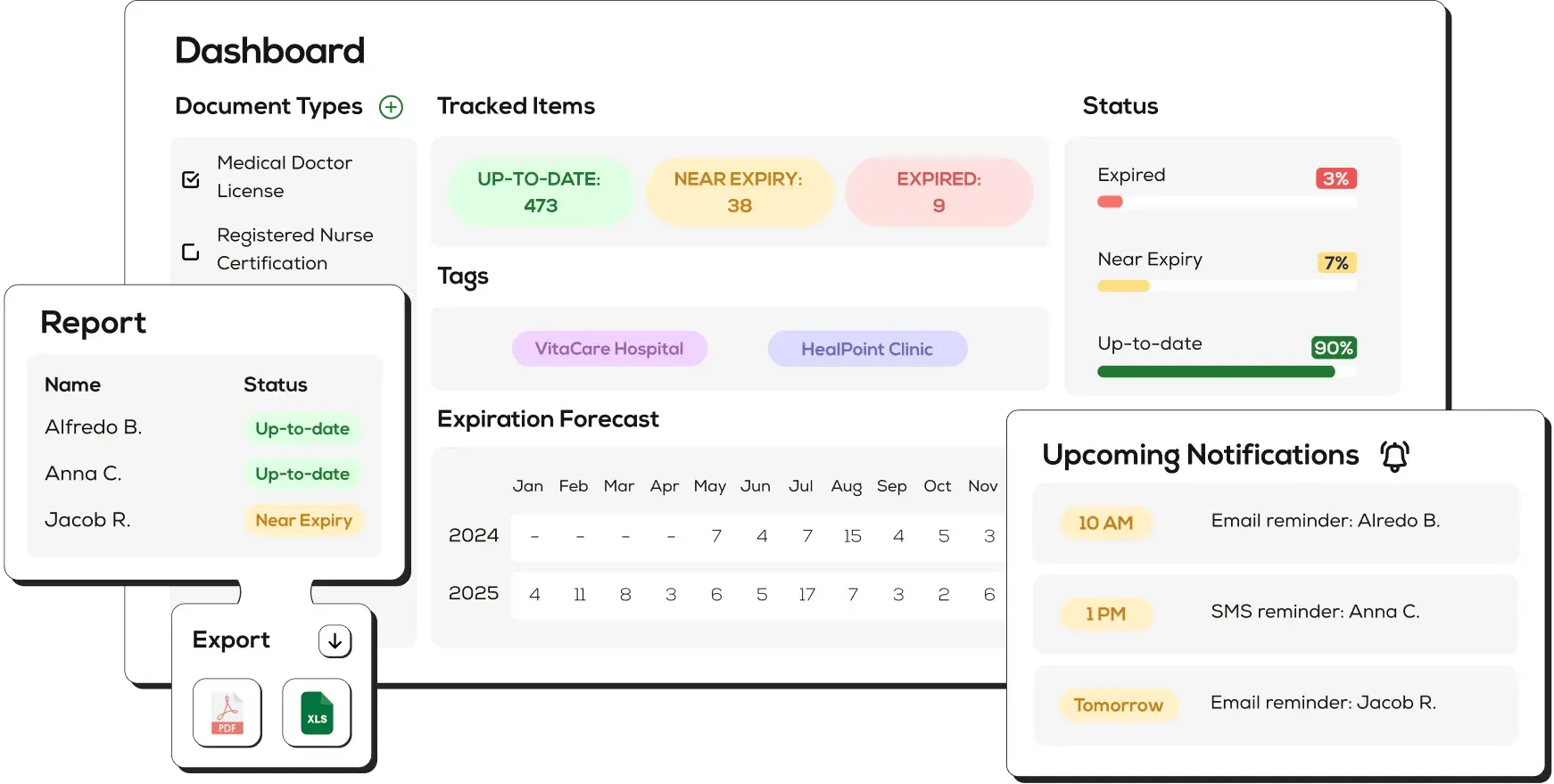
Every lapsed license, expired malpractice policy, or missed CAQH attestation can suspend a provider's ability to bill payers for weeks. The average revenue impact of one suspended provider is thousands of dollars per day, plus the administrative cost of reinstatement. Expiration Reminder gives credentialing and enrollment teams a single source of truth for every provider document, payer requirement, and renewal date so providers stay enrolled, claims keep clearing, and audits stop being stressful.
Centralized Provider Credential Database
Store every provider record in one searchable system: state licenses, DEA registrations, board certifications, malpractice policies, hospital privileges, NPI, CAQH attestation dates, and payer enrollment status. Replace fragmented spreadsheets, shared drives, and email threads with a real-time digital dashboard your whole credentialing team can trust.
- Filter by provider, payer, state, document type, or expiration window in seconds.
- See compliance status across your entire provider roster at a glance.

Automated Renewal and Re-credentialing Reminders
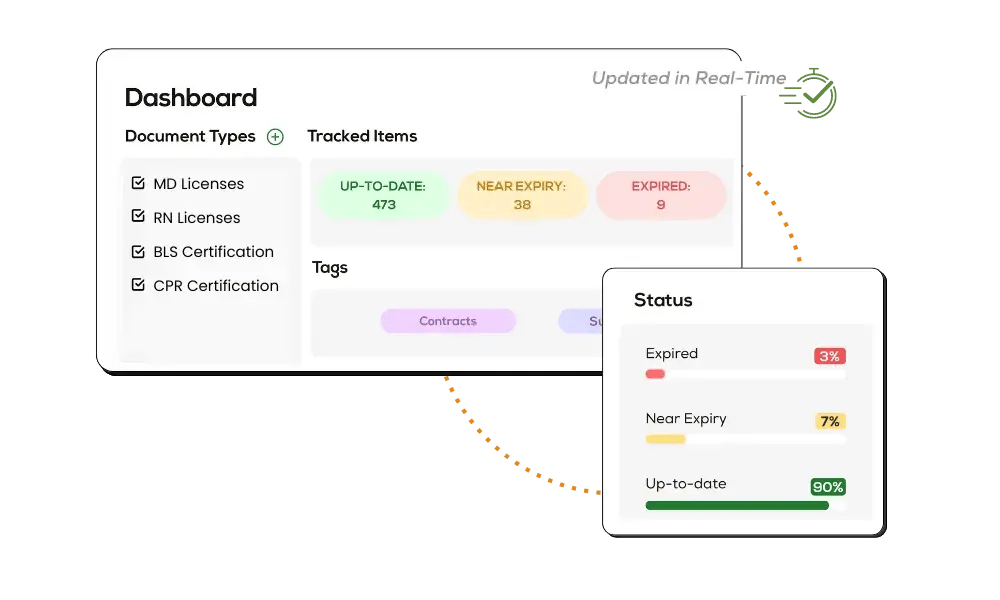
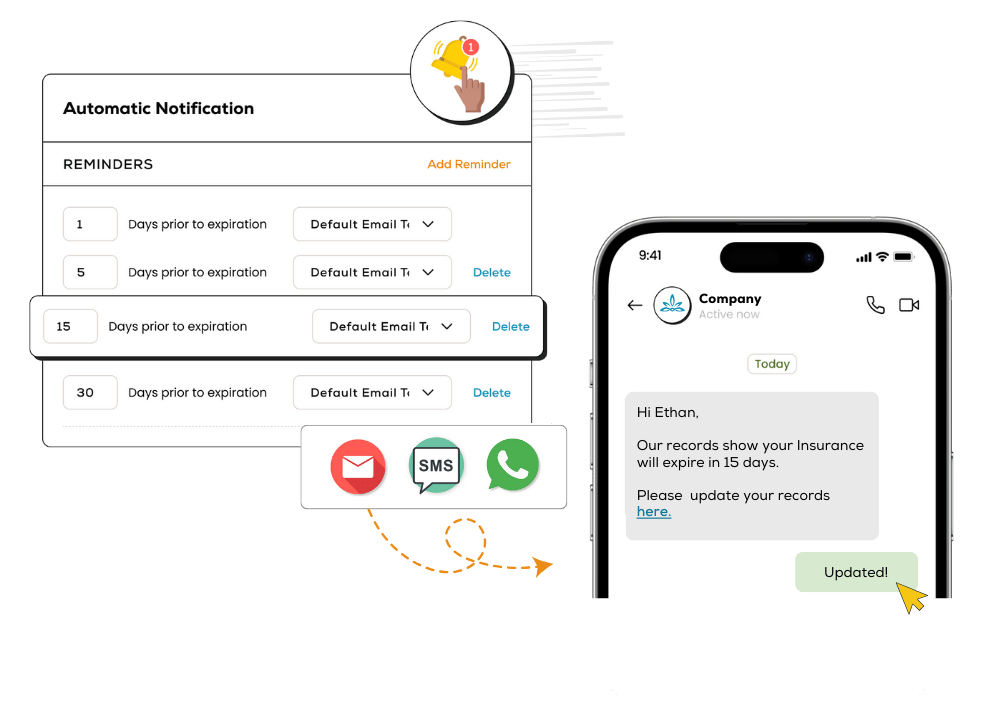
Send staged 90, 60, and 30-day notifications via email, SMS, and WhatsApp before any credential or payer re-credentialing window closes. Catch lapsed CAQH attestations, state license renewals, and re-credentialing cycles before they affect billing. Configurable rules let you notify the provider, the credentialing coordinator, and a backup contact on the same timeline.
- Multi-channel reminders that providers actually see and respond to.
- Custom escalation paths for high-risk credentials and key payer dates.

Self-Service Document Updates for Providers
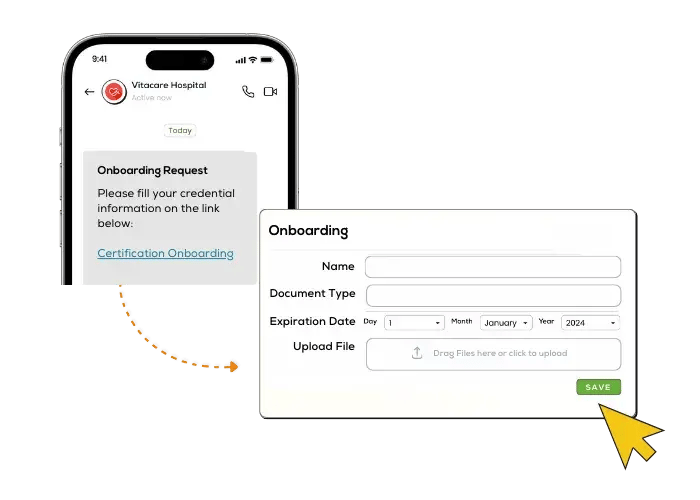
Send each provider a secure link to upload renewed licenses, malpractice certificates, DEA documents, and board certifications directly into Expiration Reminder. No more chasing PDFs by email, no more typos copying expiration dates into spreadsheets. Built-in AI scans the document and pulls the new expiration date automatically, then routes it to the credentialing coordinator for one-click approval.
- Reduce credentialing administrative work by up to 70 percent.
- Keep provider data current without manual data entry.

Payer and State-Specific Compliance Rules
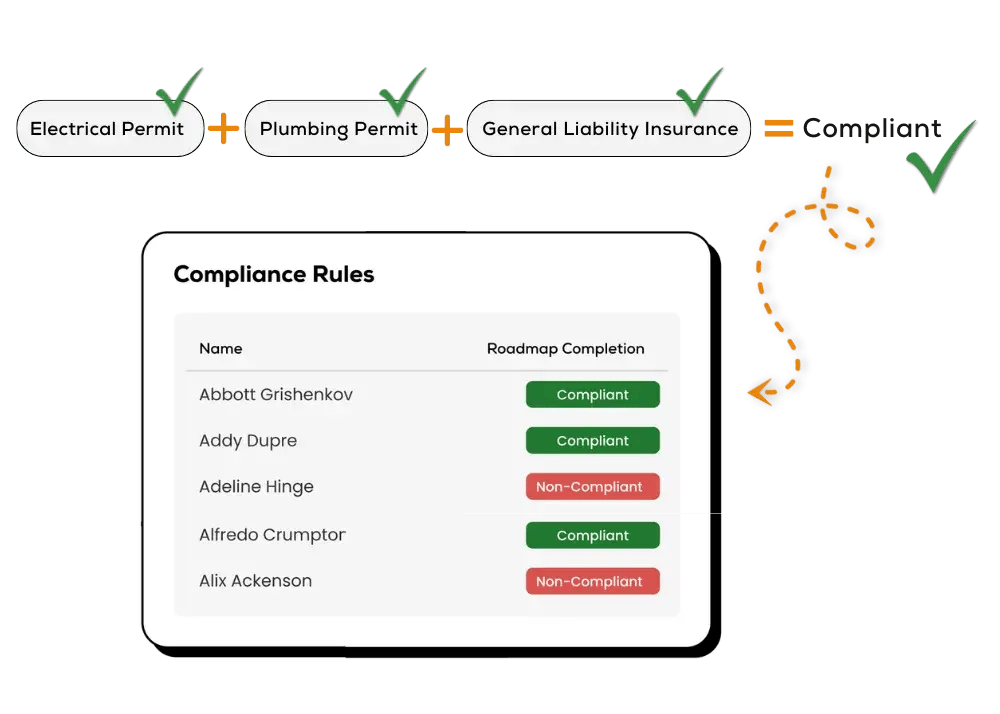
Define the exact document set each payer or state requires, then let Expiration Reminder tell you, provider by provider, who is fully compliant and who is missing what. Build rules for Medicare, Medicaid, Aetna, Cigna, Blue Cross Blue Shield, Humana, UnitedHealthcare, and commercial payers across every state you operate in. The system flags gaps the moment they appear so you can act before a claim gets denied.
- Real-time compliance status by provider, payer, and location.
- Stop manual cross-referencing of payer requirements against provider files.

Audit-Ready Reports for NCQA, Joint Commission, and Payer Audits
Generate provider rosters, credential expiration logs, and full compliance histories in seconds. Whether you are facing a Joint Commission survey, an NCQA credentialing audit, or a payer-driven file review, Expiration Reminder gives you the documentation trail auditors expect, exported to PDF or Excel with a complete activity log.
- Schedule recurring reports to compliance officers, executives, or external auditors.
- Preserve a complete audit trail of every credential change and approval.
.webp?width=1100&height=785&name=NEW%20Hero%20images%20(20).webp)

Seamless Integrations with HRIS, ATS, and Billing Systems
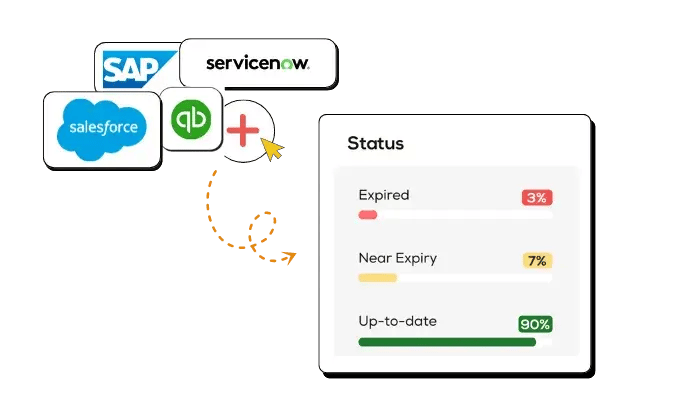
Connect Expiration Reminder with the systems already running your practice or health system. With 250+ integrations including QuickBooks, Slack, Microsoft Teams, Zapier, BambooHR, and major HRIS platforms, your provider data stays in sync everywhere it lives.
- Auto-import new provider hires from your HRIS the moment they are added.
- Push expiration alerts straight into the Slack or Teams channel your team already uses.


Real-time tracking

Intuitive dashboard

Automatic notifications

Multiple views

Data Security and Compliance

Chat Support